Approve reimbursement requests
The driver paid out of pocket: the owner approves, the accountant pays.
Before you start
- Owner access to approve, and accountant access to pay.
- 1
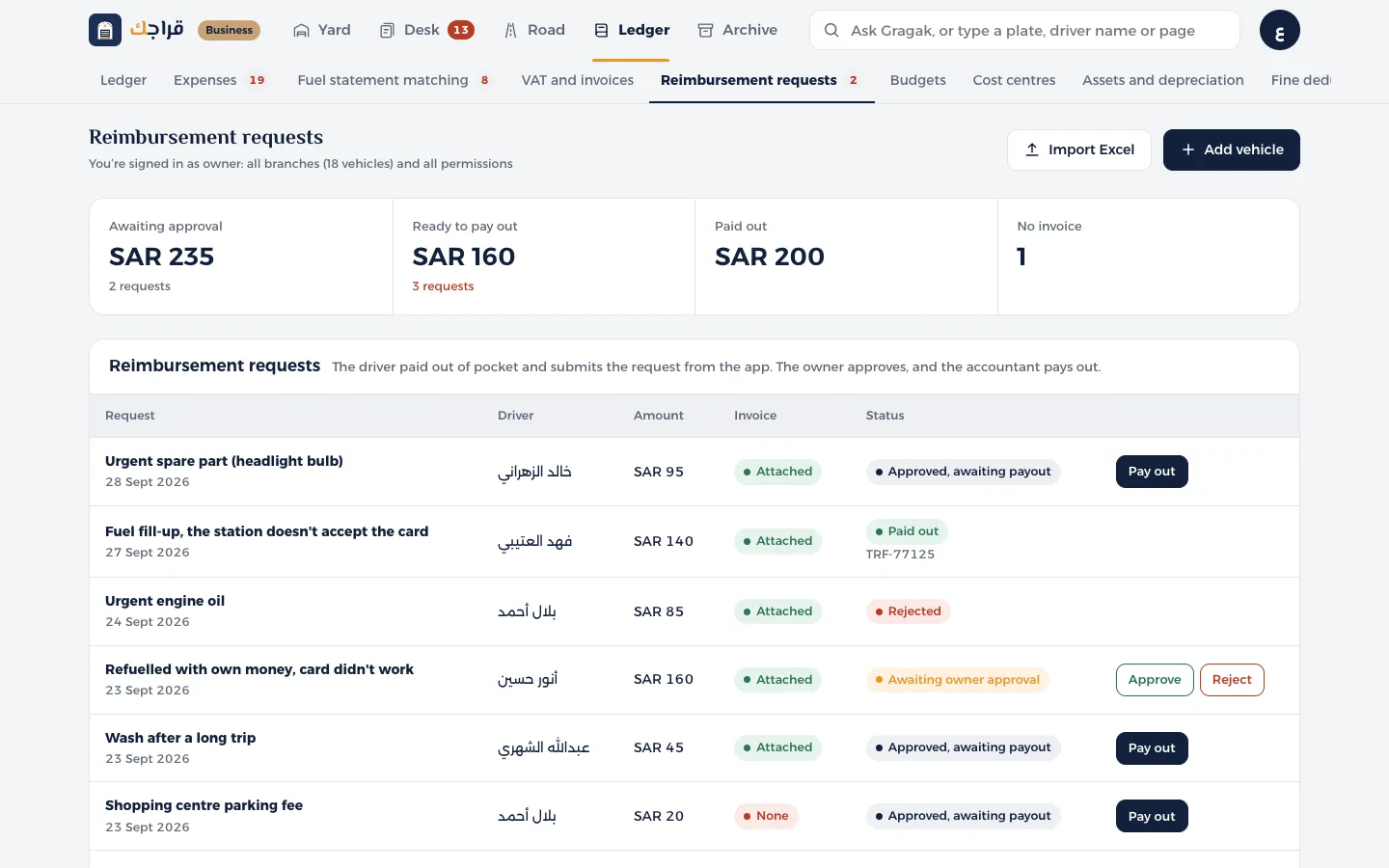
Open Reimbursement requests from the Ledger.
- 2
Requests marked Awaiting owner approval have an Approve button and a Reject button. Check the reason and whether the receipt is attached.
- 3
Once approved, the request becomes Approved, awaiting payment and goes to the accountant.
- 4
The accountant taps Pay and chooses the payment method (bank transfer, with salary, or cash) and the reference number.
Tip
A request without a receipt shows a red flag. It's best to ask for the receipt before you approve.