Invite your supervisor, accountant and drivers
How to add your team with the right roles, and your plan's limits.
Before you start
- The owner can invite every role. A supervisor can only invite drivers.
- 1
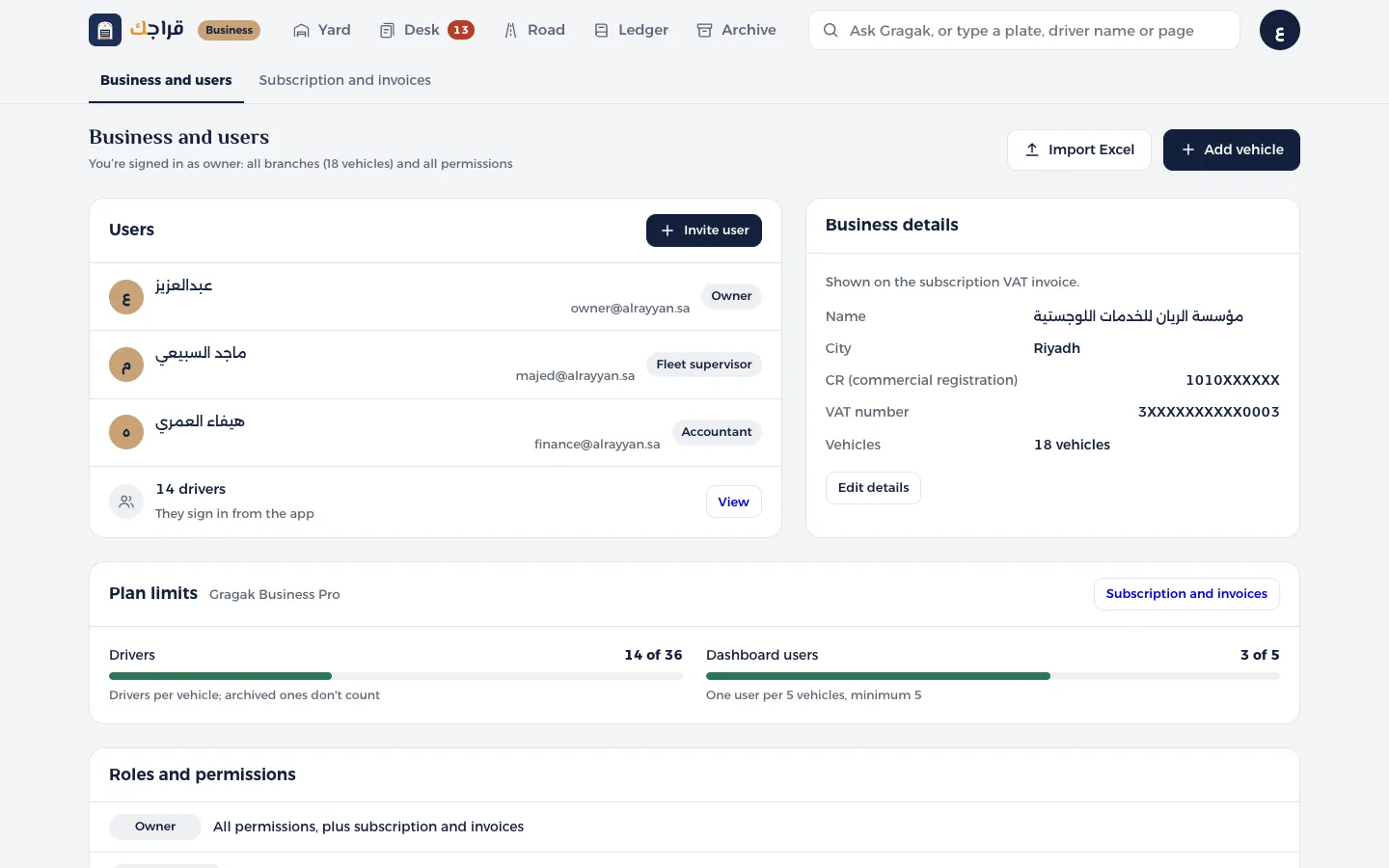
Open Business & users and click Invite user.
- 2
Enter the name and mobile number. Email is optional.
- 3
Choose the role: Fleet supervisor, Accountant or Driver. For a driver, you can choose their vehicle and their licence expiry date.
- 4
Click Send invitation. They get a WhatsApp message with a sign-in link, and they show in the list as Invitation sent until they sign in.
- 5
On the same page, the Plan limits section shows how many drivers and dashboard users you have out of your allowance.
Tip
Drivers included: two drivers per vehicle. Archived drivers don't count.
If you reach the limit, a window opens where you can add an extra seat or upgrade your plan.