Photo handover and return
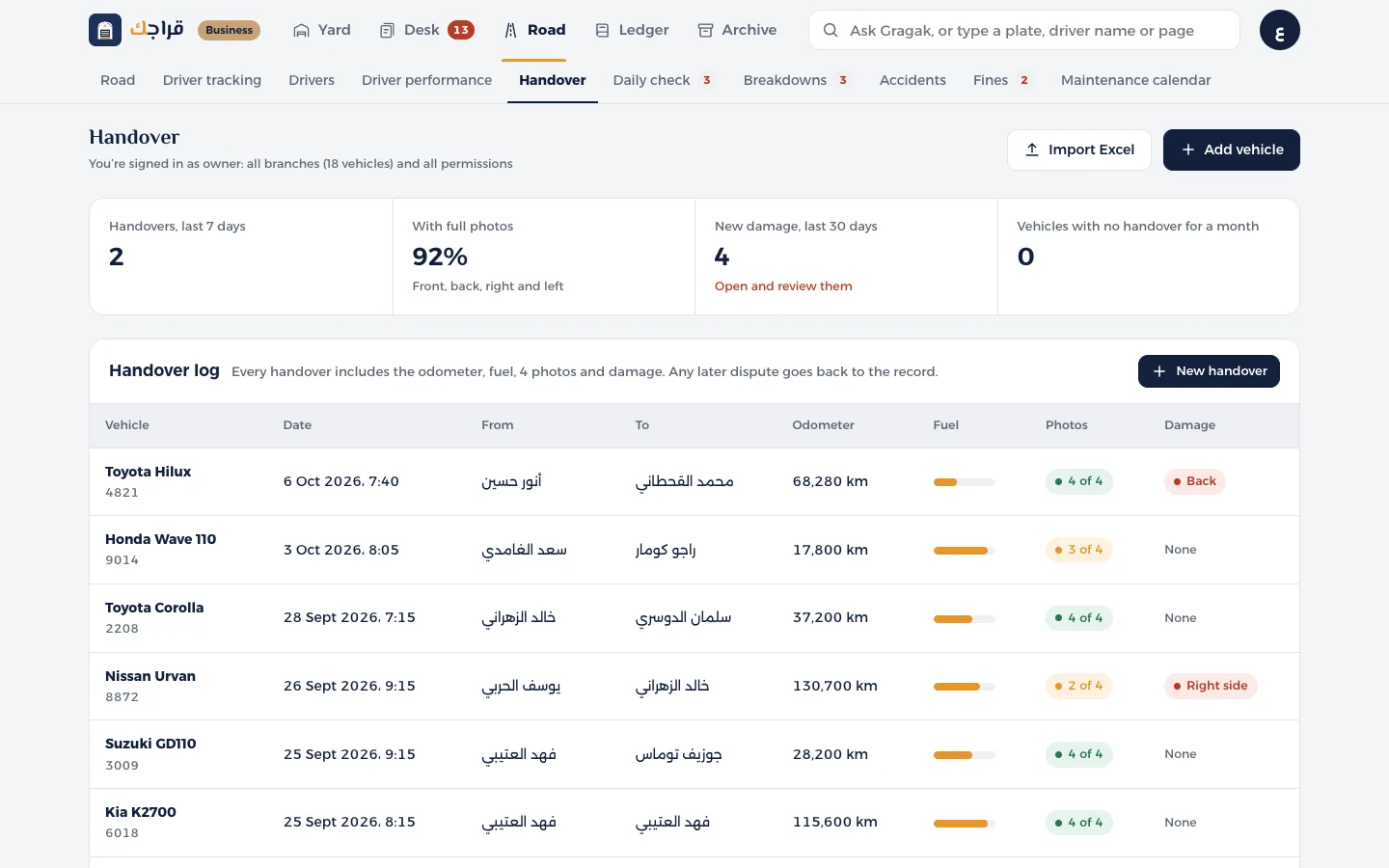
A record for every handover: odometer, fuel, 4 photos and damage. It settles any dispute later.
Before you start
- Supervisor or owner access.
- 1
Open Handover and return and press New handover.
- 2
Choose the Vehicle and who's receiving it, enter the odometer reading and set the fuel level.
- 3
Take the four photos: front, back, right and left.
- 4
In Mark damage, tap the spot of any new damage on the vehicle drawing. It turns red.
- 5
Press Save handover. The vehicle moves to the new driver, and its odometer is updated.
Tip
An odometer reading lower than the last one isn't accepted.
The handover record is what decides which driver is responsible for any fine.