Record a fine and link it to the driver
Enter the time of the fine, and the system knows who had the vehicle.
Before you start
- The fine's number, time and amount (from Absher or the text message).
- 1
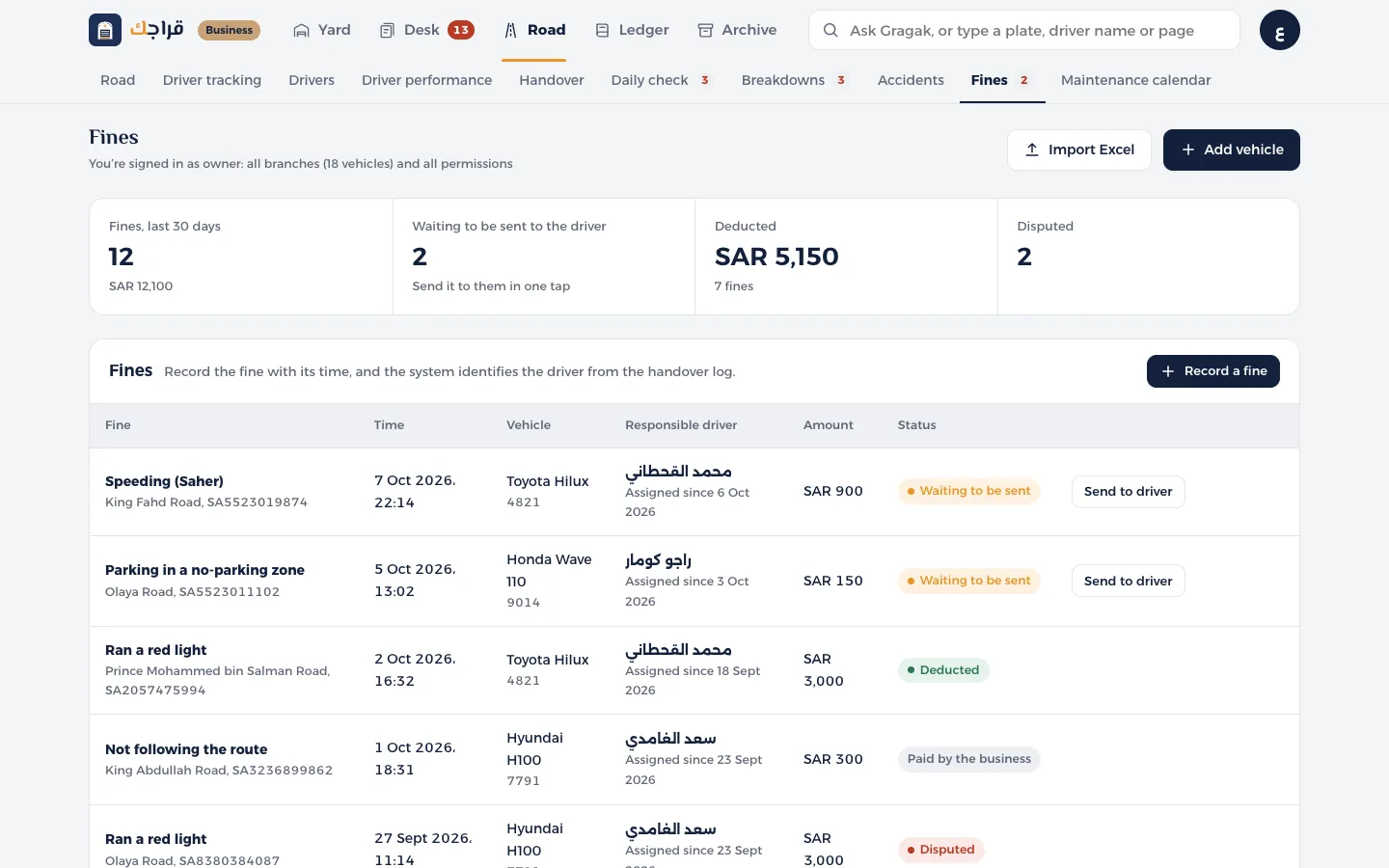
Open Fines and press Record a fine.
- 2
Choose the Vehicle, enter the exact time of the fine and choose the type. The amount fills in automatically, and you can change it.
- 3
Below the form you'll see the Responsible driver and since when they've had the vehicle, taken from the handover record.
- 4
Save, then press Send to driver. The driver gets it in the app.
- 5
Then choose Deduct if it comes out of their salary, or Paid by the business.
Tip
Deducted fines reach the accountant on the Fine deductions page, ready for payroll.